Rule Events
Rule Events
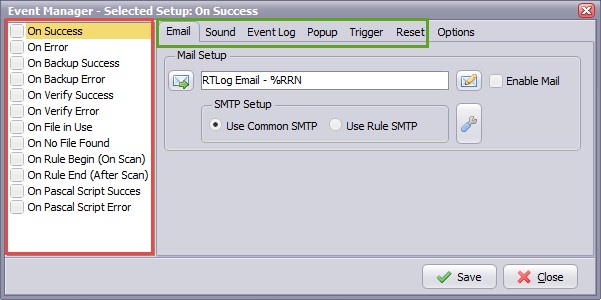
With this option you can trigger procedure(s) (marked green) at different application events (marked red). Important, each event will use its own procedure setup. So select the event on the left and change the setup of the procedures on the right. You need to repeat this for every enabled event.
Current supported events:
- On Success
- On Error
- On Backup Success
- On Backup Error
- On Verify Success
- On Verify Error
- On File in Use
- On No File Found
- On Rule Begin (On Scan) First event when the rule is triggered, sequence is started.
- On Rule End (After Scan) Last event of the rule sequence.
- On Pascal Script Succes
- On Pascal Script Error
Current supported procedures:
- 'Email' (SMTP)
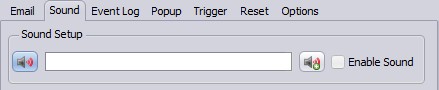
- 'Sound'
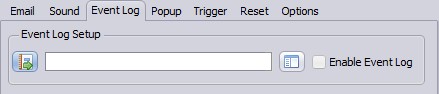
- Windows 'Event Log'
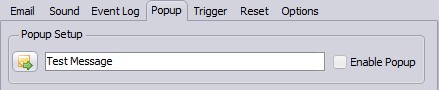
- 'Popup'
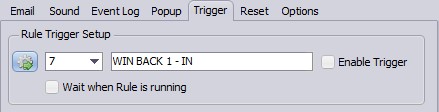
- 'Trigger' Rule
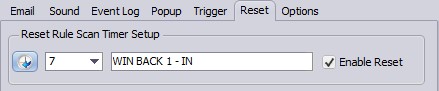
- 'Reset' Rule Scan Timer
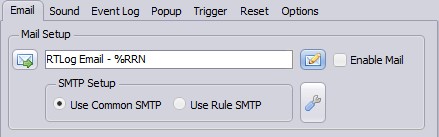
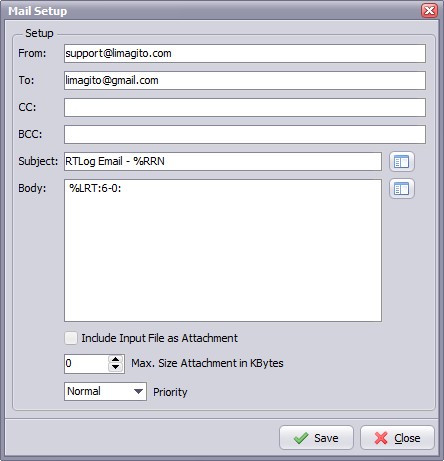
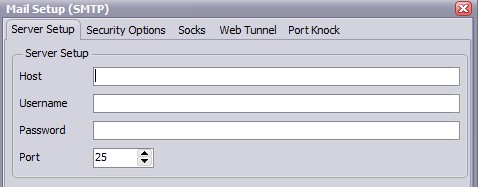
1. Email
2. Sound
3. Event Log
4. Popup
5. Trigger
6. Reset
7. Options
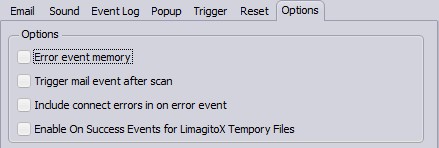
- Error event memory: Trigger error events only once for the same file.
- Trigger mail events after scan: Trigger mail events after scan instead of for each file. When this option is enabled only mail parameter %FN (Filename) can be used.
Copyright © 2007-2016, www.limagito.com