
Most requested feature: ‘Global Events’ — available in version v2026.2.22.0
This is especially useful when multiple rules share the same event configuration — change it once and all rules are updated automatically. It took us more time the expected but finally it is available. It is a first release so there can be hiccups, please let us know. We’ll fix them asap.
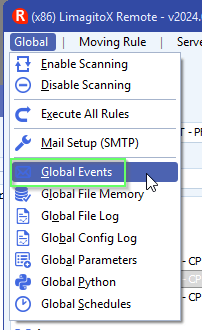
- Setup your ‘Global Events’ using the menu item under ‘Global’:
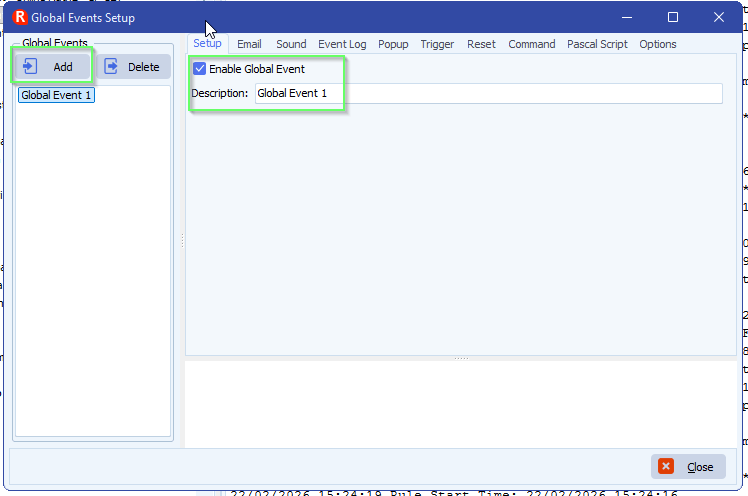
- <Add> a new ‘Global Event’, give it a valid description and enable it.
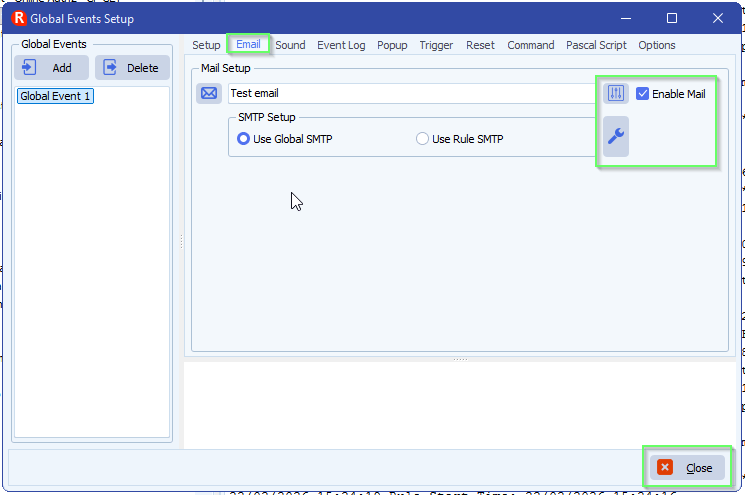
- Do your usual setup like you did with the Rule Events. When you are done click <Close>.
- Open the Rule(s) where you want to use the new ‘Global Setup’.
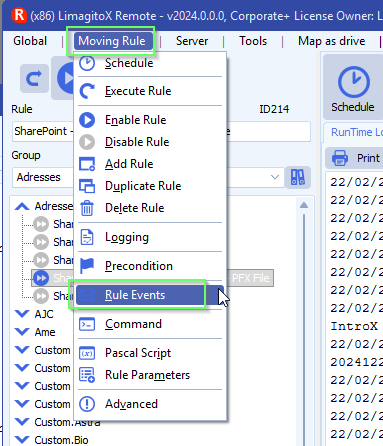
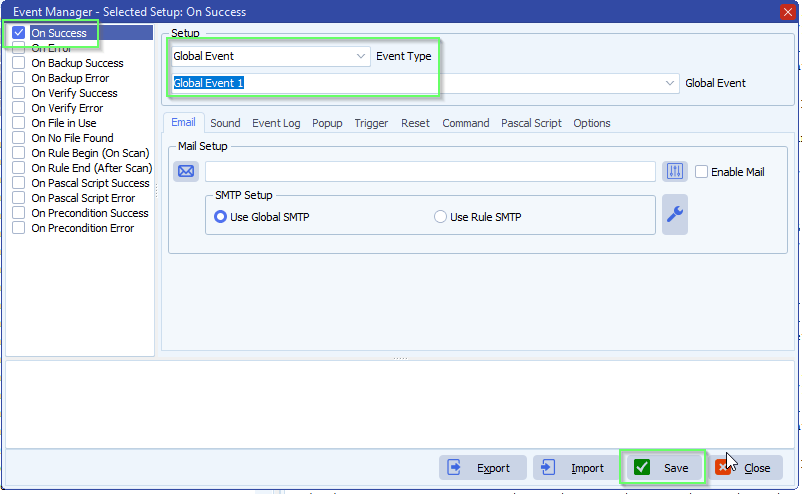
- Select ‘Global Event’ as Event Type and select the event you want to use. In this example we selected the previously created ‘Global event 1’.
If you need any help with this new option, please let us know.
Best Regards,
Limagito Team
#filemover #managedfiletransfer #filetransfer #filemanagement
