Q: We need a way to convert excel and csv files to pdf. Can this be done using Limagito File Mover.
A: Yes this is possible using our XLS as Destination option (with recent versions of Limagito File Mover, v2026.1.27.0 and up)
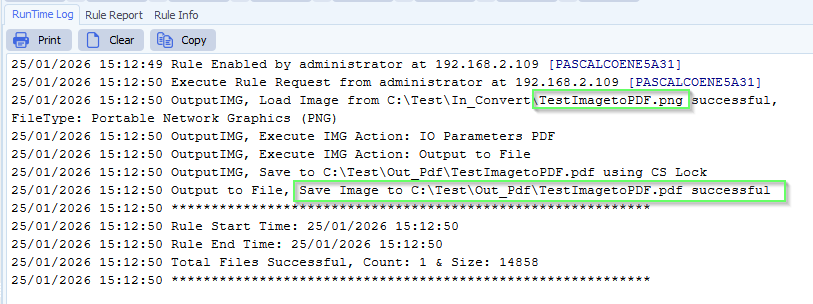
- In our example we used a Windows Folder as Source. In this folder we’ll be able to drop almost any kind of image file type and it will be converted to pdf.
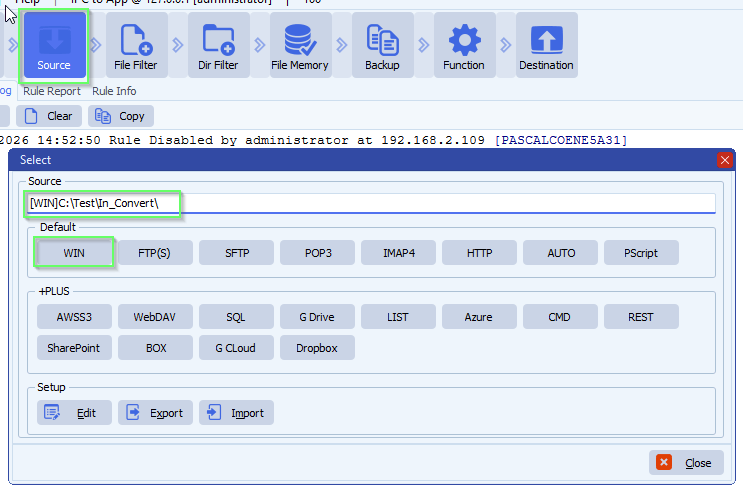
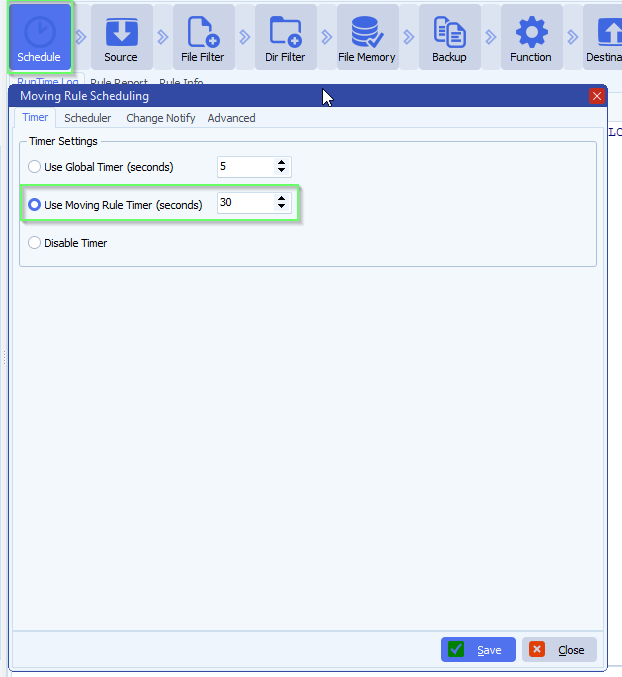
- We’ve set a timer to scan this folder every 30 seconds:
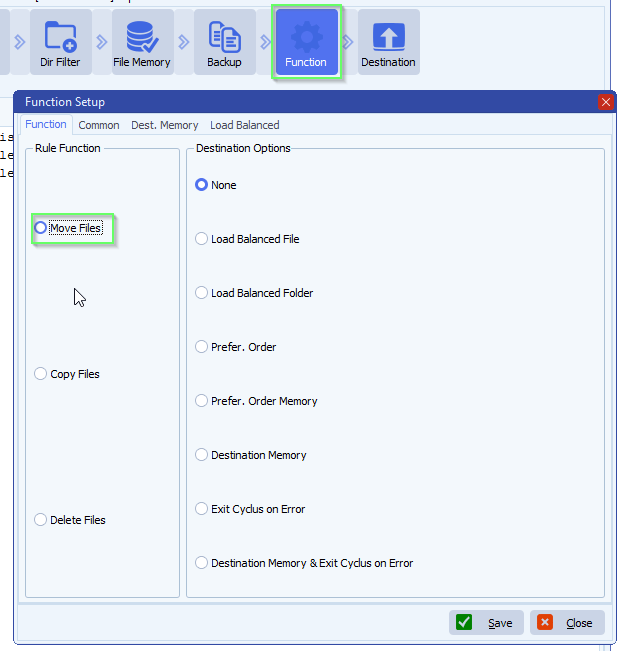
- Function is set to Move, so after a successful conversion the source file will be deleted. If you want to keep the source files, leave the function to ‘Copy Files’ and enable our ‘File Memory’ option to prevent us converting the same source file over and over again.
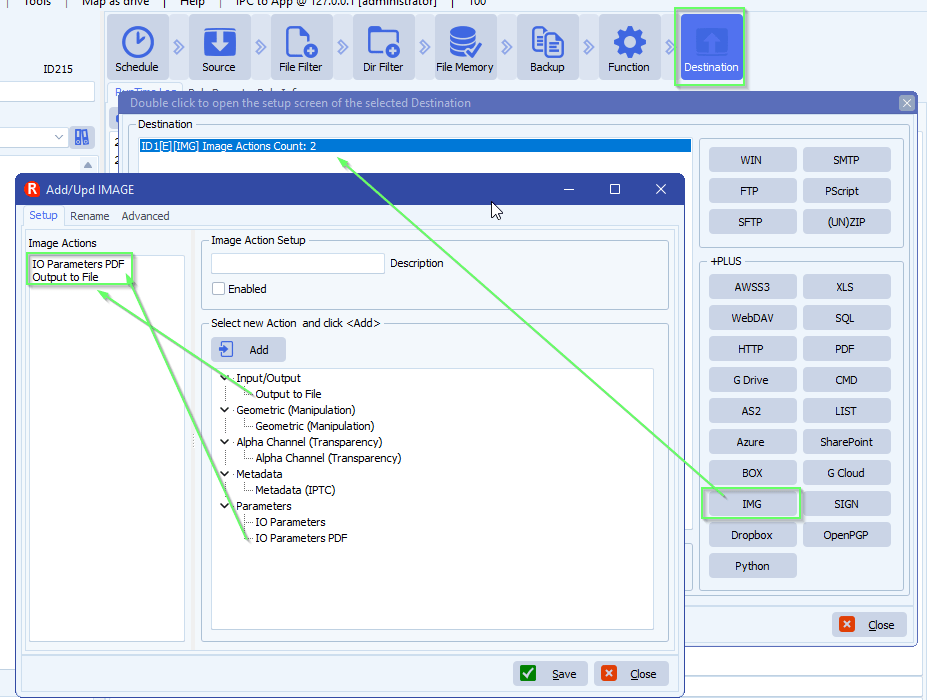
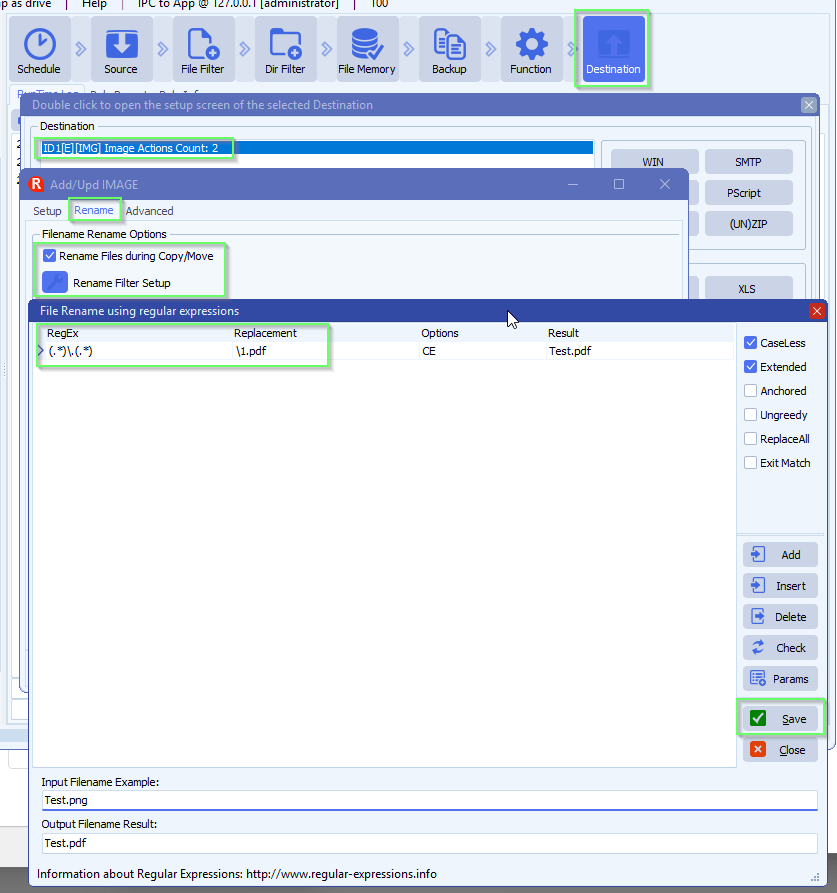
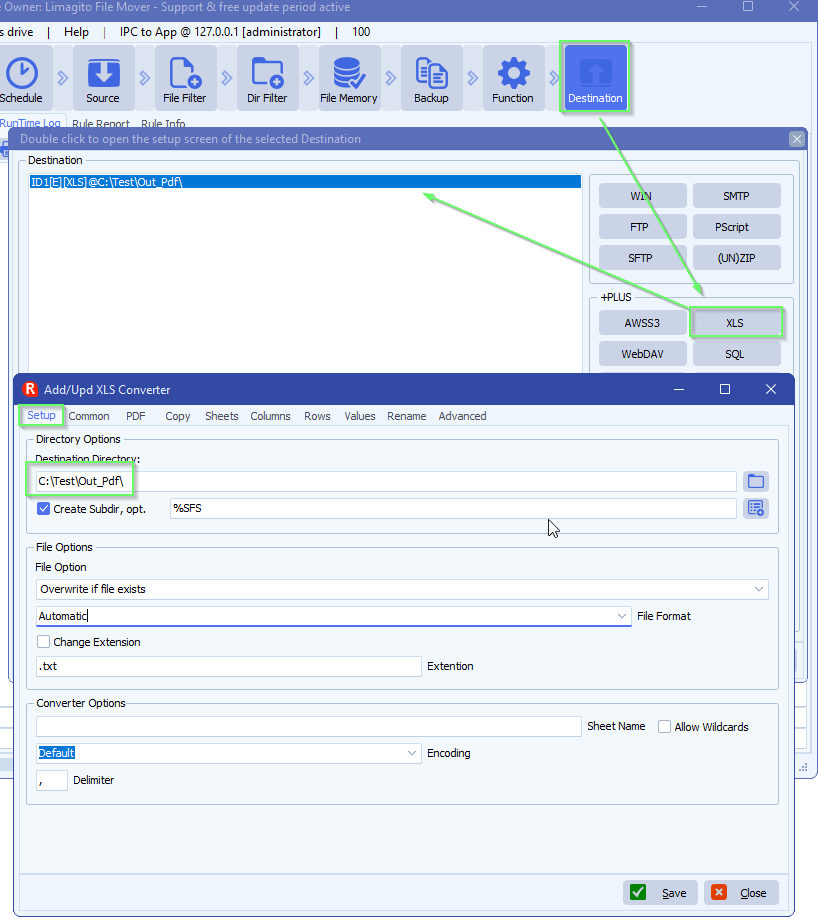
- As Destination we added our [XLS] option
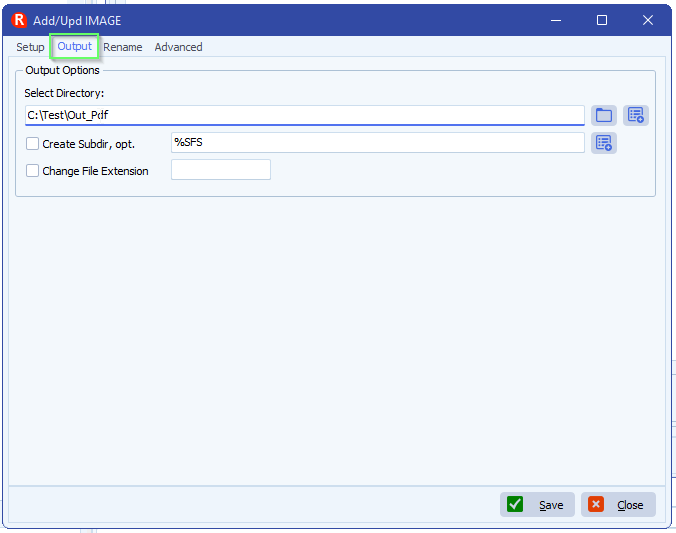
- Set the destination for the converted xls / csv files
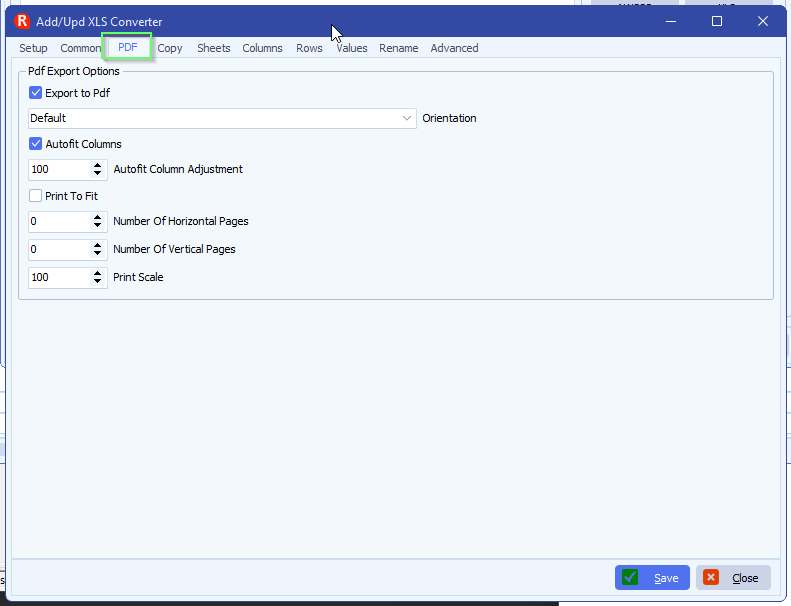
- Switch to PDF tab and enable ‘Export to Pdf’
- Autofit Columns will adjust the columns so all cell/csv field values will be fully visible in the pdf
- Autofit Column Adjustment will add some extra space between the Columns (100 = 100%)
- Print To Fit
- When ‘enabled’ you can use:
- Number Of Horizontal Pages
- Number Of Vertical Pages
- When ‘disabled’ you can use:
- Print Scale (100 = 100%)
- When ‘enabled’ you can use:
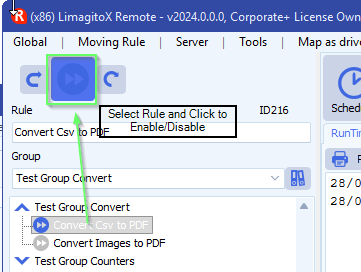
- Don’t forget to Enable the Rule after your setup so it will start scanning
If you need any help about this ‘week number from filename’ question, please let us know.
Best Regards,
Limagito Team
#xls #pdf #managedfiletransfer #filetransfer #filemanagement