
Split PDF pages using page labels
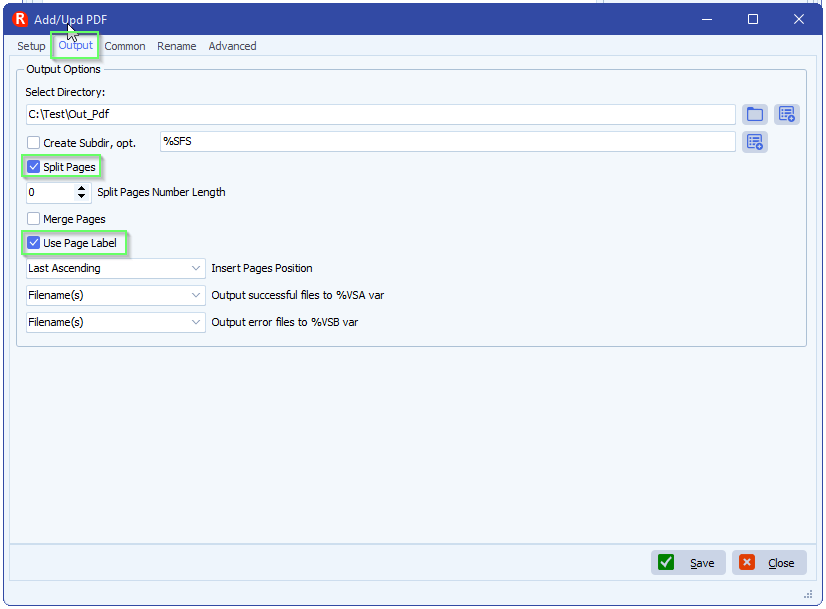
Q: Greetings! I’ve only started using the PDF split option but I noticed one thing it was doing that might not come up too often, but occasionally we’ll create a PDF with multiple pages, but they aren’t necessarily 1-5. As you can see in the screenshot and the attachment, the pages included are 4,5,6,7,8. When we split, we would like to name them appropriately with the actual page number. Limagito seems to just start at 1 when exporting the files. Is that something that could be done?
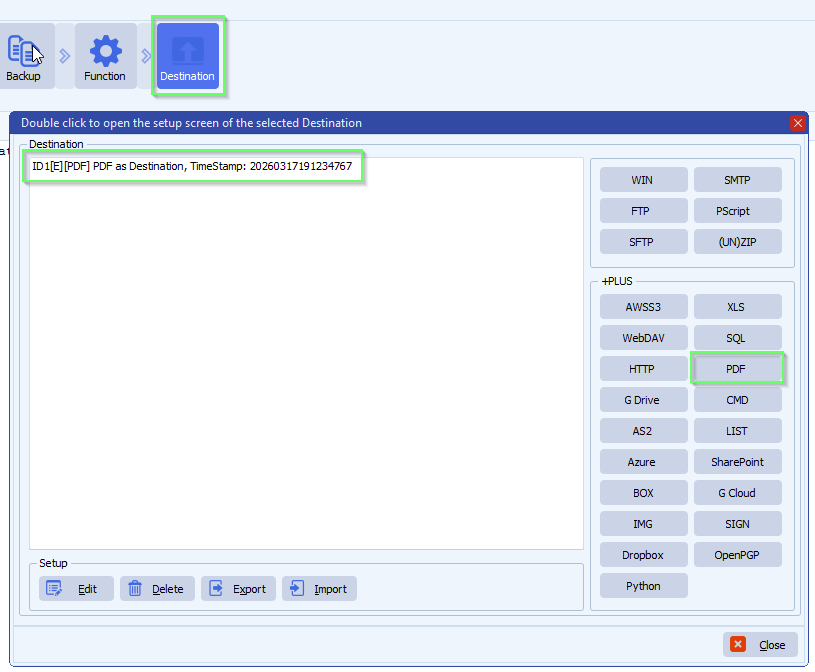
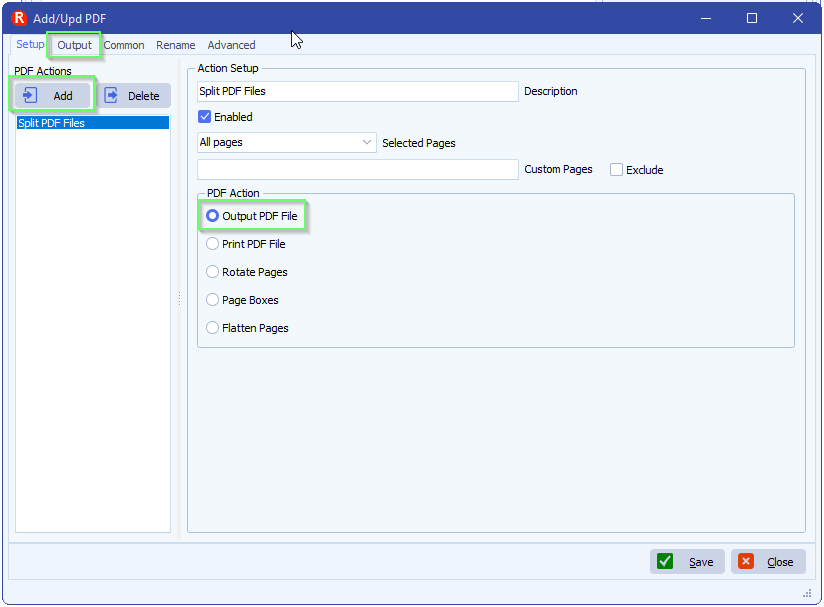
A: We added a new option in version v2026.3.17.0: Use Page Label
If you need any help about this ‘Split PDF pages using page labels’ option, please let us know.
Best Regards,
Limagito Team
#pdf #managedfiletransfer #filetransfer #filemanagement
