
Problem import data from CSV to MSSQL
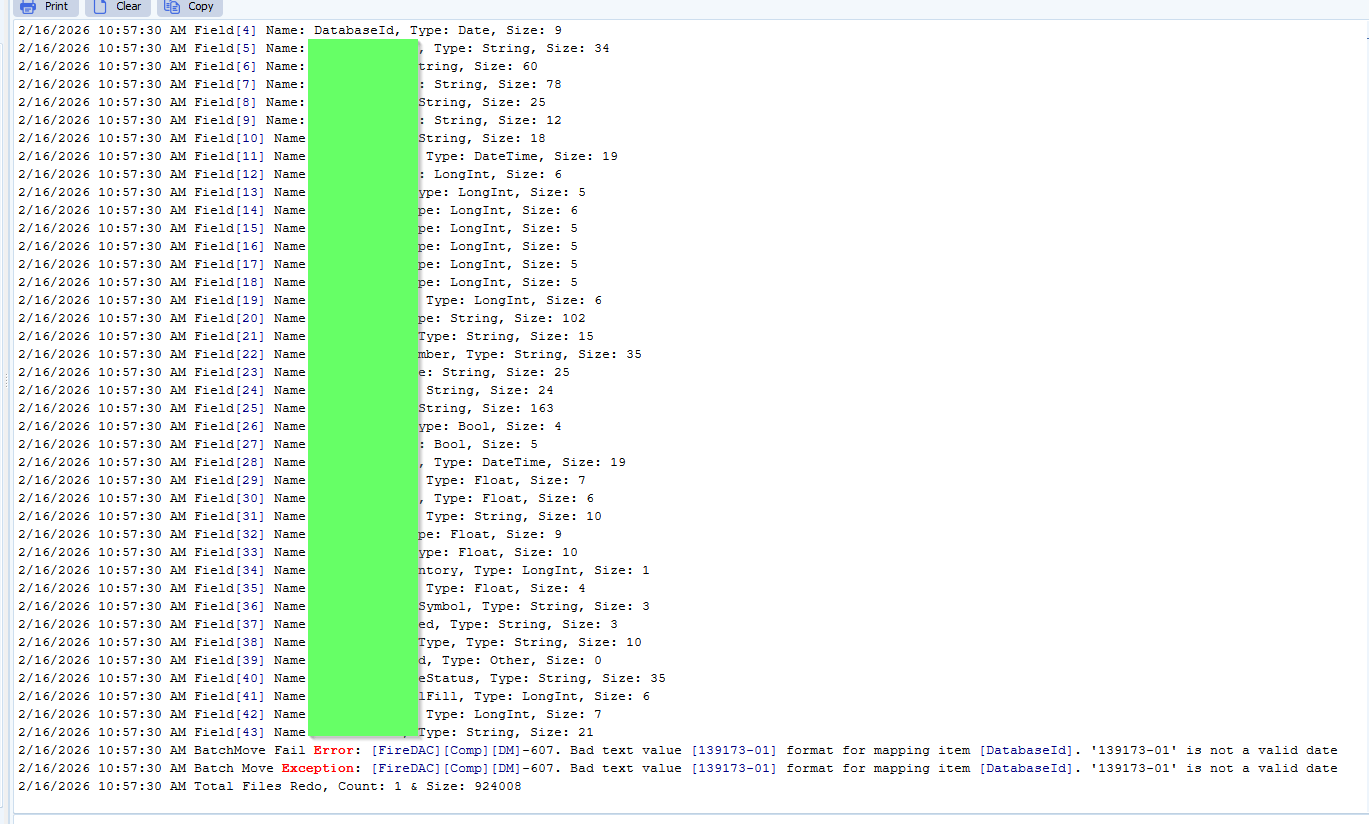
Q: When I try to import CSV to MSSQL, I have the error because it recognizes the Field “DatabaseId” as a “Date” type. But it must be a String… How can I change this ?
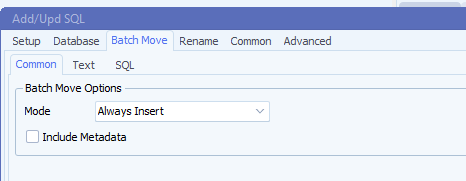
I also uncheck the checkbox “Include Metadata” in the “Bacth Move” tab. Doesn’t change anything…
**************
2/16/2026 10:57:30 AM Field[43] Name: BranchName, Type: String, Size: 21
2/16/2026 10:57:30 AM BatchMove Fail Error: [FireDAC][Comp][DM]-607. Bad text value [139173-01] format for mapping item [DatabaseId]. ‘139173-01’ is not a valid date
2/16/2026 10:57:30 AM Batch Move Exception: [FireDAC][Comp][DM]-607. Bad text value [139173-01] format for mapping item [DatabaseId]. ‘139173-01’ is not a valid date
2/16/2026 10:57:30 AM Total Files Redo, Count: 1 & Size: 924008
***********
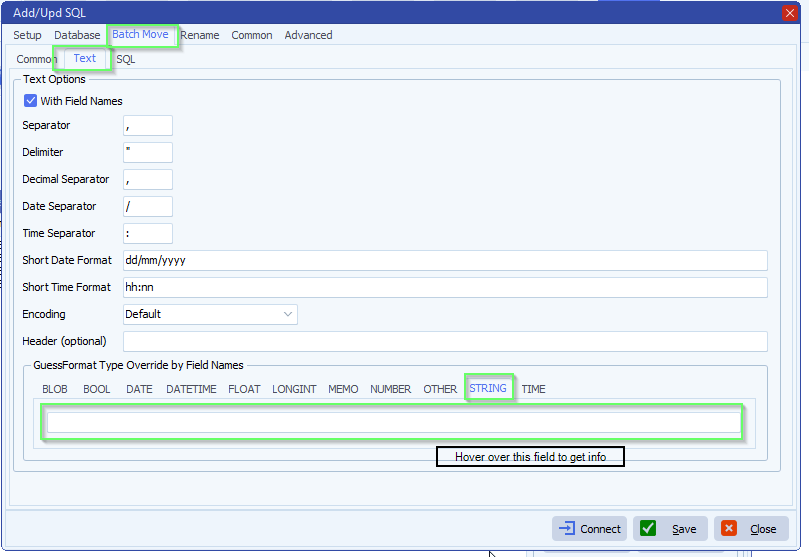
A: Open your SQL as Destination setup. Default we have an automatic ‘GuessFormat’ option. You can override this, hover over the STRING field to get information.
- Feedback customer
It works now. Thanks for your support !
If you need any help about this ‘Problem import data from CSV’ question, please let us know.
Best Regards,
Thomas
#csv #sql #managedfiletransfer #filetransfer #filemanagement
