Receive email notifications
Q: Can you please tell me if this destination file name parameter is now working in your new version? I want to receive email notifications with the file names that are placed in the destination. For example, the source file name is test.txt, and I have a renaming rule to rename file to text_202511212025.txt (Adding the date of the file move). And I want to see the renamed file name in the email. Long time ago, you guys showed me how to add the whole logging history in the email using Pascal script, but I forgot what to do.
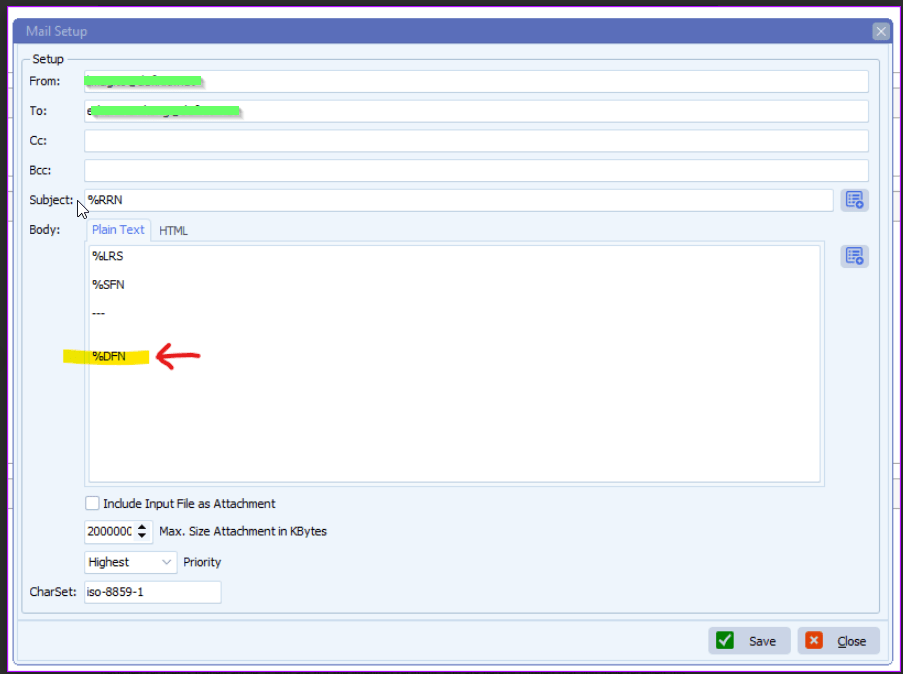
A: Not all parameters are available at each step of the scan flow.
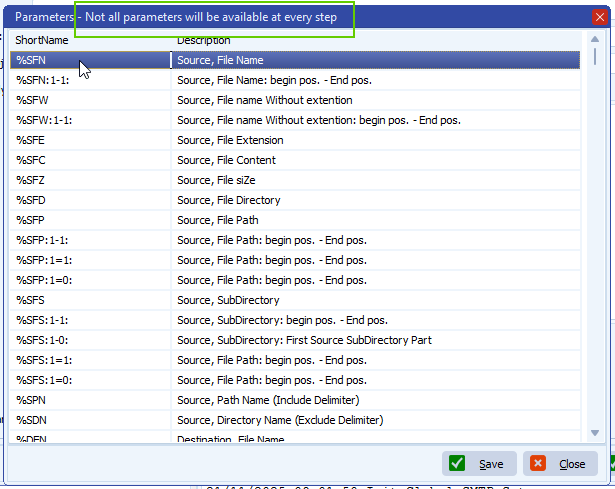
Please check the following information on how we did this:
– Moving Rule Menu item > Pascal Script option
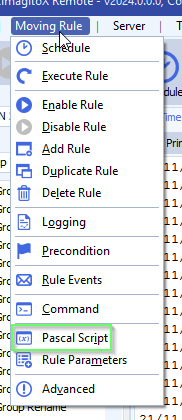
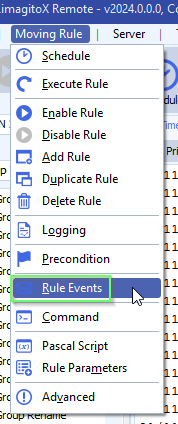
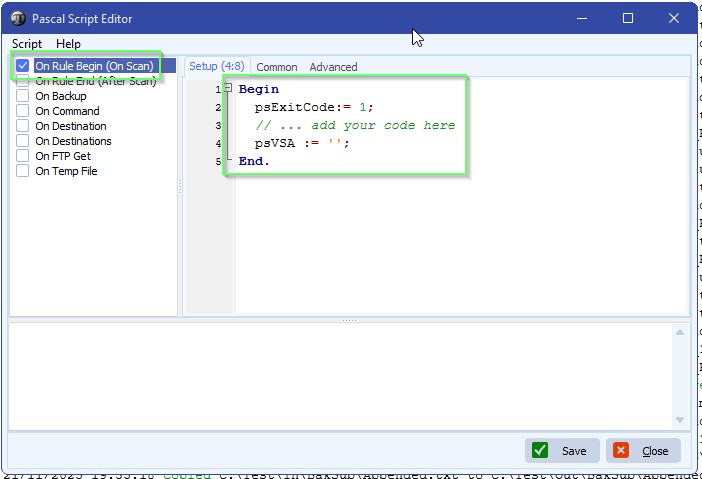
– Enable ‘On Rule Begin’ script and add: psVSA := ”;
We’ll use psVSA (parameter Var String A) as a container for the renamed file names sent to the Destination. This psVSA will be used in the email setup.
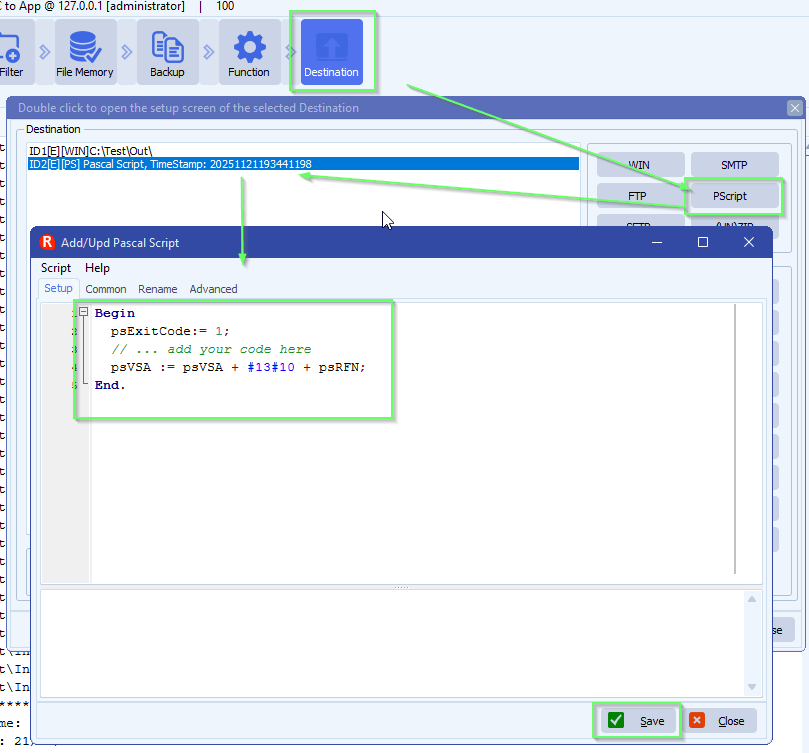
– Add an extra PScript as Destination:
We used psRFN here = Renamed File (destination) Name
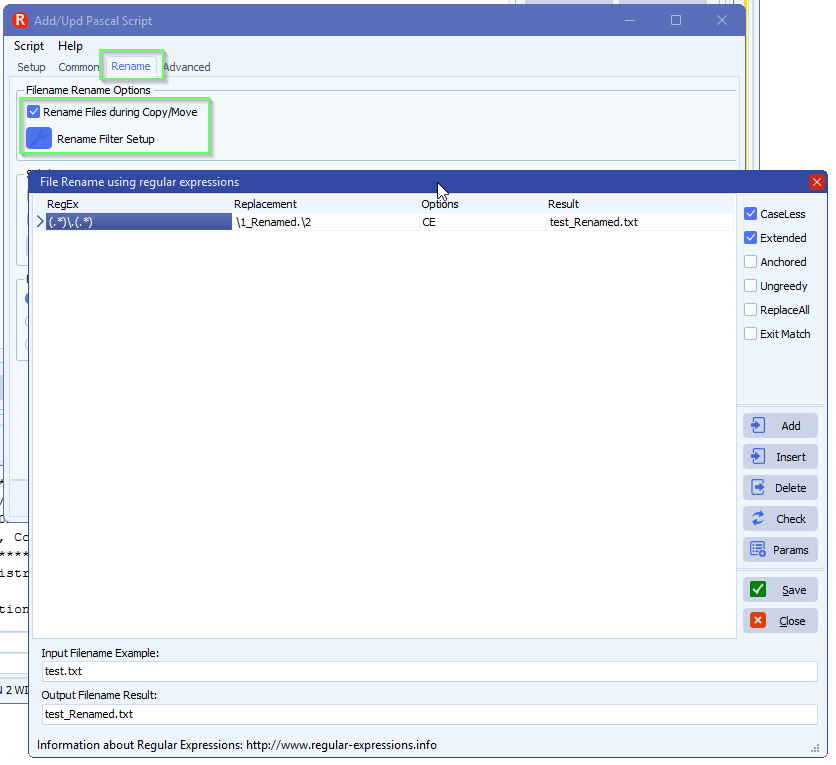
– Important is to set the Renaming the same as you did previously in the existing Destination. We need this because of the information that will appear in the email.
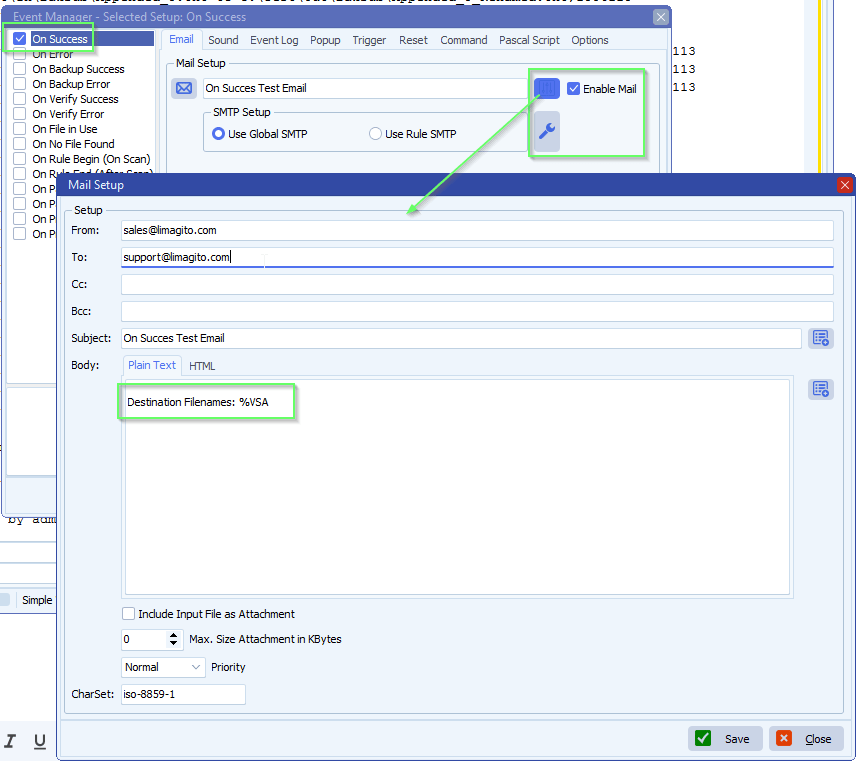
– Then use psVSA in your email event:
– %VSA will use the data from the added PScript Destination
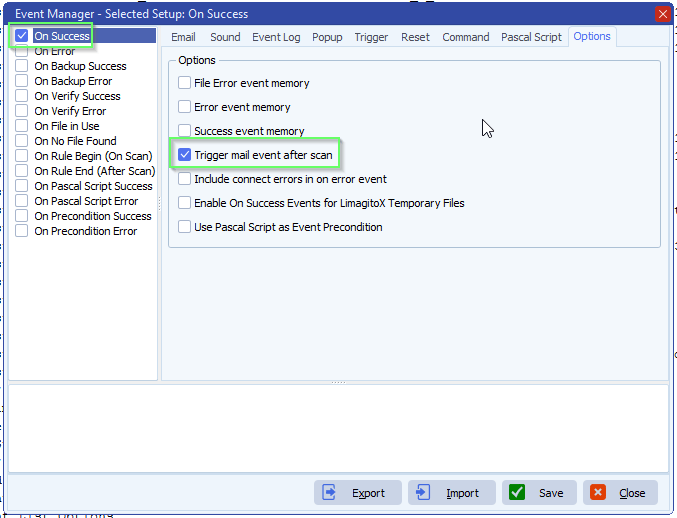
– We enabled ‘Trigger mail event after scan’ because we only need a single email to be send after the scanning is done.
If you need any help about this ‘receive email notificationsl’ question, please let us know.
Best Regards,
Limagito Team
#managedfiletransfer #filetransfer #filemanagement #limagito